
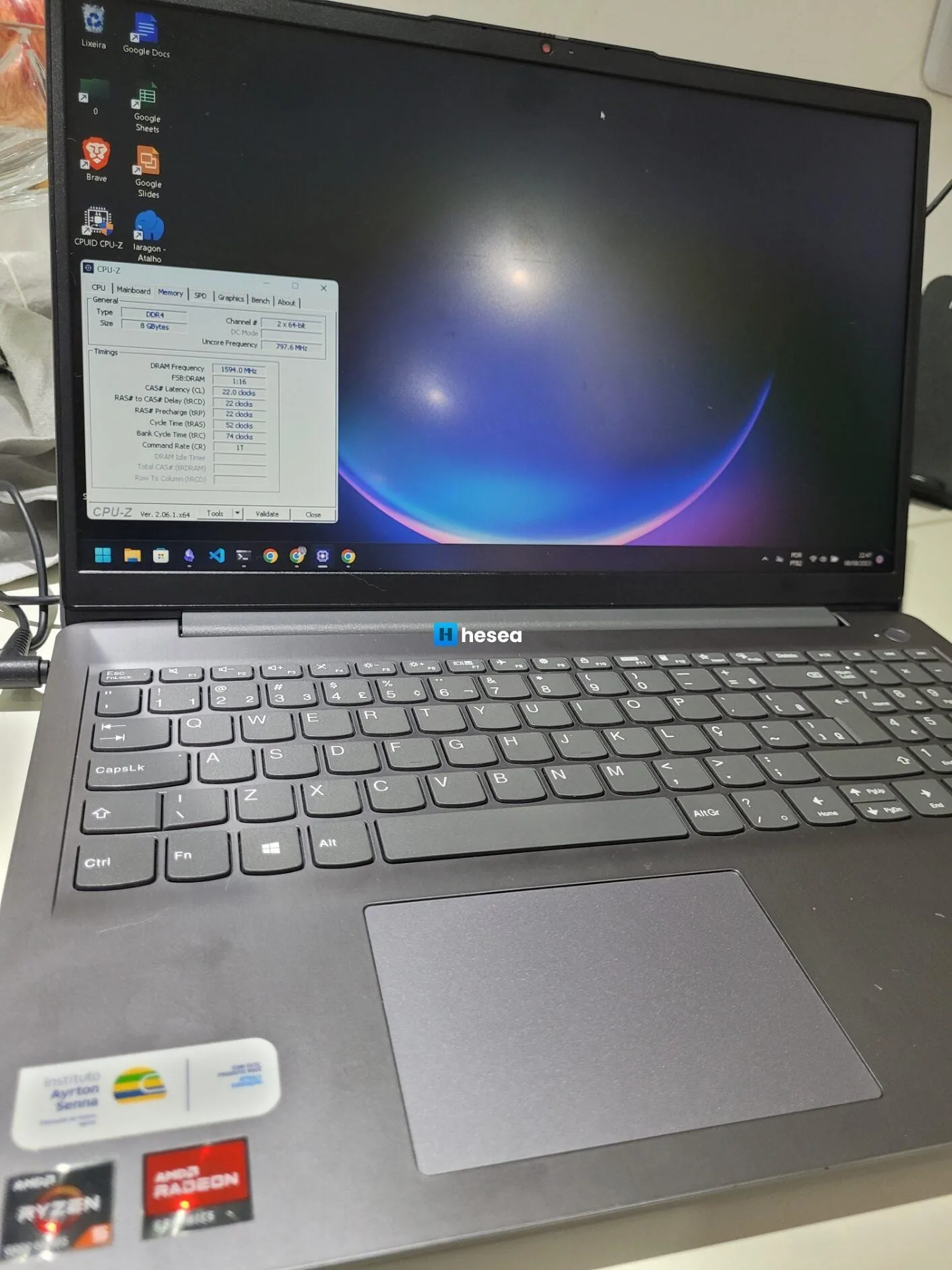
I recently bought a Lenovo Ideapad 3 notebook for work, but I admit I was very disappointed with this model.
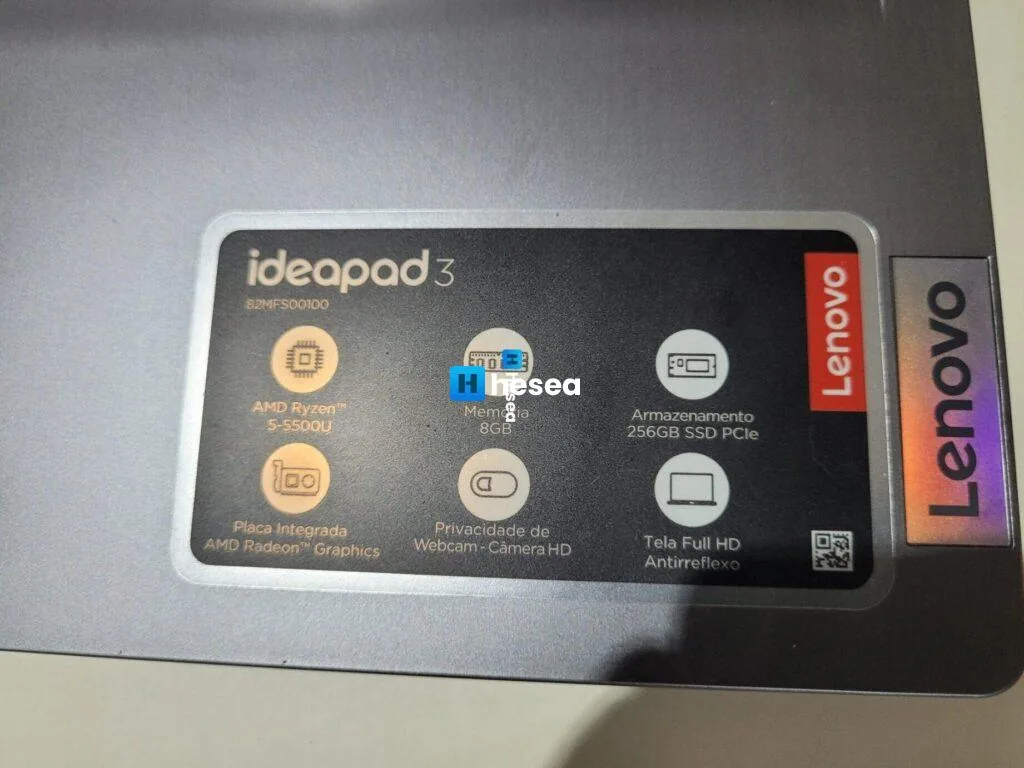
My specific model is the IdeaPad 3-15ALC6 Laptop – Type 82MF, as listed on Lenovo's website, MTM 82MFS00100, motherboard model LNVNB161216.
Regarding RAM, it has 4 GB soldered to the board, with 2 GB of those 4 used by the integrated graphics, plus another 4 GB slot.
Since there is nothing clear online about how much memory this notebook supports, not even on the manufacturer's website, I had to research it myself. I found that there are 2 models of this machine: one allows expansion up to a maximum of 12 GB, with 4 soldered + 8 physical, and another supports higher capacities, with reports of 20 GB and even 36 GB.
My frustration was that I bought a 16 GB memory stick and tried replacing the one in my Lenovo notebook, but it was not compatible. When I tried turning the machine on with a 16 GB DDR4 3200 stick, it showed a black screen and did not reach the Lenovo boot logo.
On Windows 11, with only Chrome open and a few tabs, RAM usage gets extremely high:
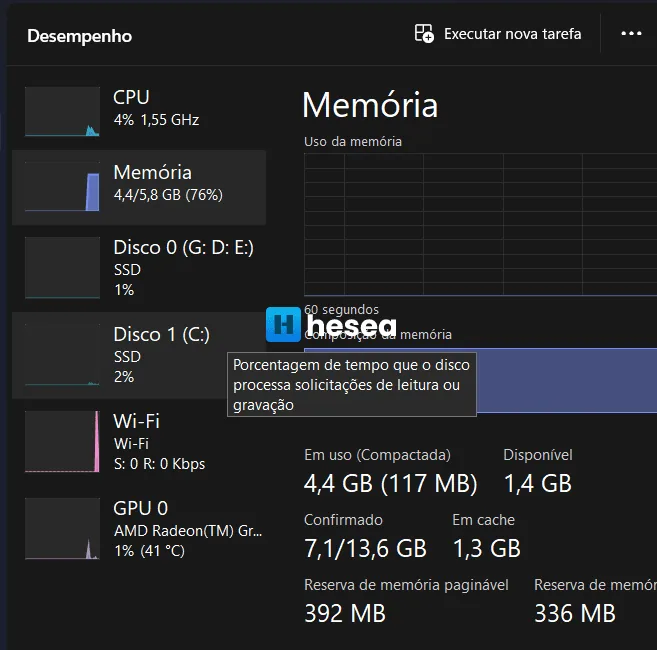
For basic use, this notebook is fine, but for work this amount of memory limits performance a lot. Honestly, I could not understand why Lenovo did this. This notebook had everything to be very good, but has this major memory limitation.
Going further, using the command wmic memphysical get MaxCapacity, MemoryDevices in CMD shows the maximum RAM capacity that can be installed:

Above it says the maximum RAM is 32 GB, 16 GB for each slot. If 4 GB is soldered and there is only one slot, the maximum would be 20 GB, meaning 16 GB + 4 GB, with 2 GB dedicated to video, totaling 18 GB for the system.
Anyway, I am leaving my frustration with this model here. If you want to buy it, make sure yours is not this limited one.
[EDIT] I updated some of the information above. From what I understood, this Lenovo Ideapad 3 has several models and each one has a different RAM maximum.
82MD000FBR – from what I saw in this video, which has several interesting details about this Lenovo model, it supports up to 36 GB of RAM, with 32 GB in the slot + 4 GB soldered.
82MFS00100 – from what I saw in the command above, this model supports replacing the 4 GB stick with a 16 GB one. I plan to buy one soon for testing and will update here if it works.
If anyone has performed the upgrade and can share details in the comments, it would help many other people.
[EDIT 2] I ended up buying a 16 GB Kingston Fury stick from Kabum, and it worked perfectly for my model (82MFS00100). I found the price quite high, but preferred buying it locally instead of risking an import that might not work. The notebook now has 20 GB, with 4 GB soldered to the board, and the option to reduce video memory to 512 MB or keep it at the maximum of 2 GB.
Comments
Join the conversation
Loading comments...