
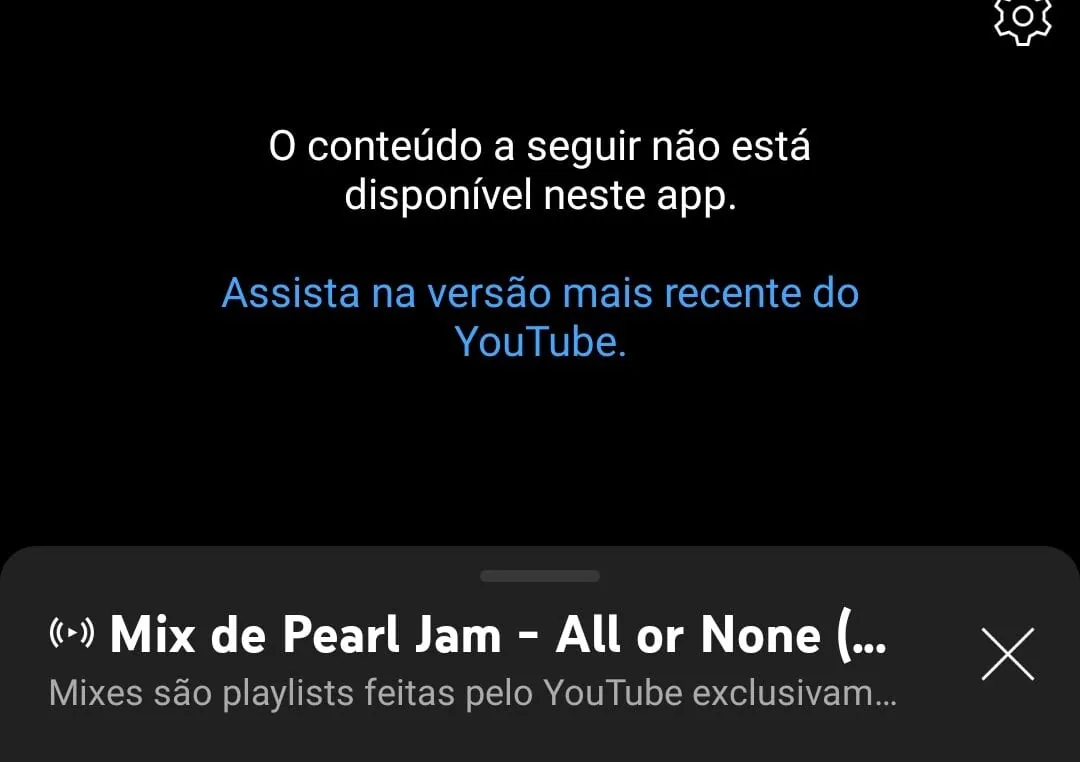
Are you an Android user who uses YouTube Vanced? Or do you not even know what that is? Follow along and I will explain.
YouTube Vanced is an Android app created to block YouTube ads. If you did not know this existed, now you do. There are also others that work on TV boxes, Mi Stick, and similar devices.
Okay, now you want to know why it stopped working. The reason is that Vanced uses an old YouTube version. The alternative now is to use another program with the same features and more, using the current YouTube version.
The program is called ReVanced. The process is a little laborious, but it works very well. Follow the tutorial:
Open this link and download the latest .APK: https://github.com/revanced/revanced-manager/releases/latest
Install the latest Vanced MicroG: https://www.apkmirror.com/apk/team-vanced/microg-youtube-vanced
Open this link and copy the target version: https://github.com/revanced/revanced-patches#-comgoogleandroidyoutube. On the date of this post, the current one is 18.05.40.
Download the universal APK for that version. On the current date it is https://www.apkmirror.com/apk/google-inc/youtube/youtube-18-05-40-release/youtube-18-05-40-2-android-apk-download/
On your phone, go to Settings > Apps > See all apps > YouTube and tap Disable.
In the app details, uninstall it, or if you do not have that option, uninstall updates.
In ReVanced Manager from step 1, tap Patcher > Select an application > Storage and select the YouTube APK downloaded in step 4.
In the patch selection, choose Recommended.
Tap Done > Patch > Install.
If you did everything correctly, open YouTube ReVanced and you can watch videos without ads.
Comments
Join the conversation
Loading comments...