
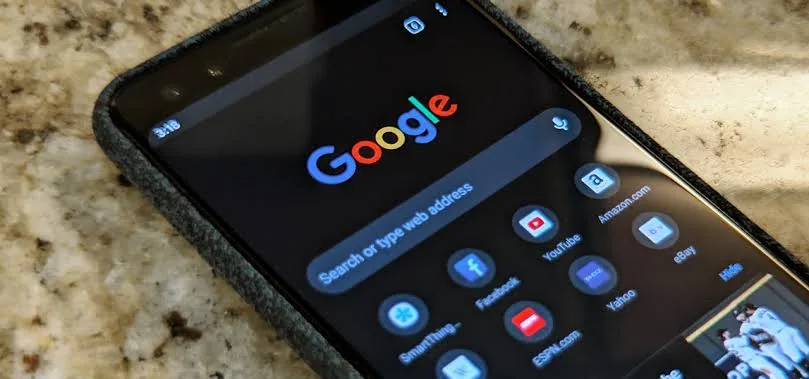
You have a phone, right? Did you know that dark mode can help save battery? Android and iOS, in some versions, have a feature that changes the system theme and makes windows dark. However, some websites still open with light backgrounds, and here I will show you how to change that.
Remember that this setting forces dark mode on all websites. If you want to view a site in its original form, just disable this setting.
First, open Google Chrome and type chrome://flags/.
If a message appears warning you to be careful when changing settings, confirm that you understand the risks.
Then search for Dark and change the first option to Enabled, as shown in the image below:
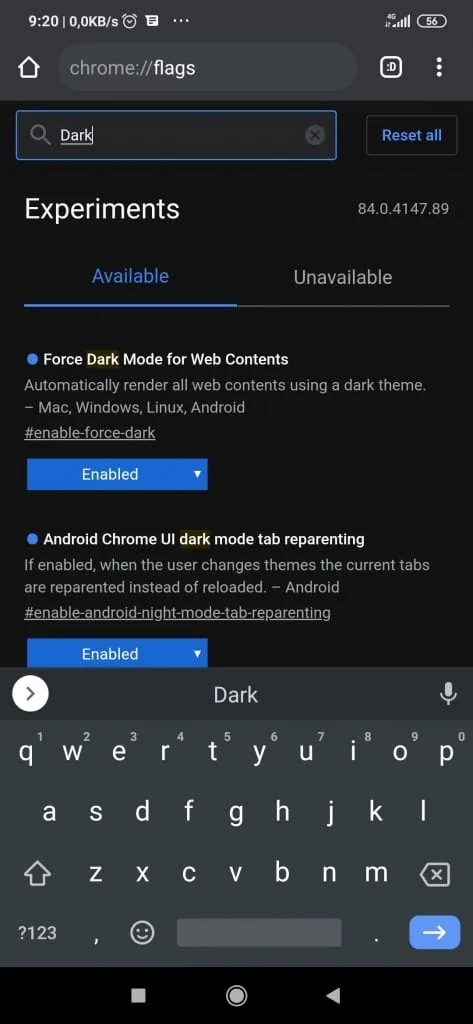
Done. Now just restart the browser and all pages will open in dark mode. To revert it, change the option to Disabled.
Comments
Join the conversation
Loading comments...