
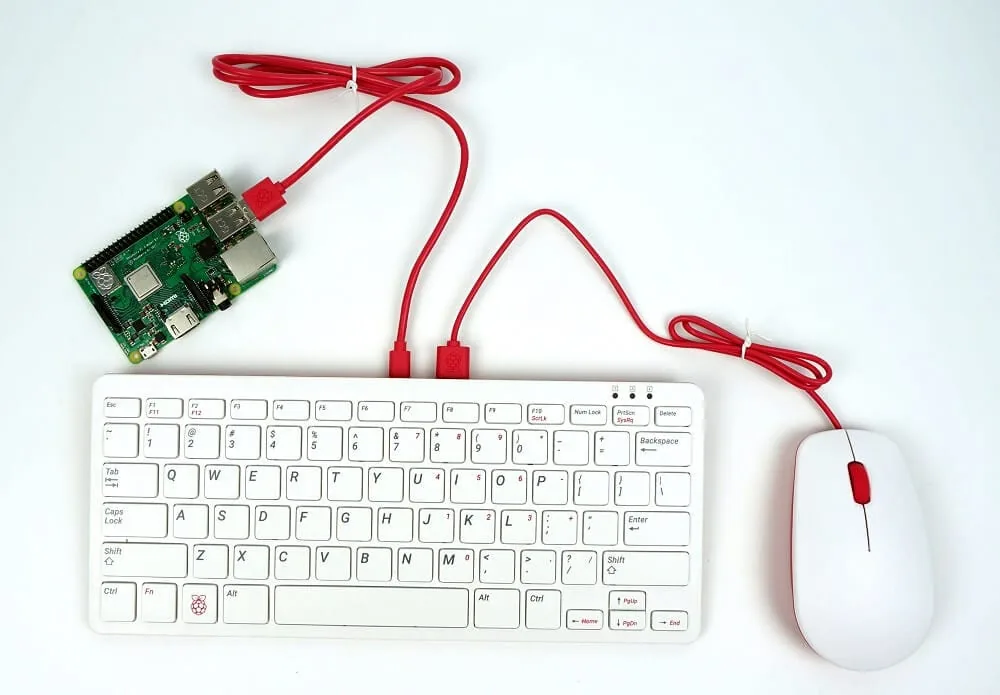
Hello everyone, how are you? It has been a while since I posted anything here. Today I went through a saga with a Raspberry Pi while installing the GUI and making the connected mouse and keyboard work. Every case is different, but these tips may help you solve your problem.
I am using Raspbian Buster, the latest version at the time, and I had always used it without a GUI. Because of a new task, I needed to see some actions and had to install the interface. To start the interface, type the command below in the terminal:
startx
If you ran this command and it returned an error instead of opening the graphical interface, some packages are probably missing.
Here is a very nice tutorial explaining the different interface options that can be installed: https://www.raspberrypi.org/forums/viewtopic.php?t=133691
In my case, I installed RPD:
sudo apt-get install raspberrypi-ui-mods
After that, the Raspberry Pi started showing a screen. Wonderful. Everything was fine until the mouse and keyboard did not work. During this process I tried everything:
- I suspected the power supply was not providing enough power, but I had tested it before and it did not make much sense.
- I used commands such as lsusb and dsmeg to make sure the devices were being recognized. They were, so I ruled that out.
Almost losing hope, I came across this package:
xserver-xorg-input-all
After installing the packages, the mouse and keyboard worked normally. I hope this quick tutorial helps someone someday.
Comments
Join the conversation
Loading comments...